
Limelight Spa Logo Lights and Error Messages: What Blue, Green, Yellow, and Red Are Telling You
Posted by HTSS Team on Sep 28th 2026
Limelight Spa Logo Lights and Error Messages: What Blue, Green, Yellow, and Red Are Telling You
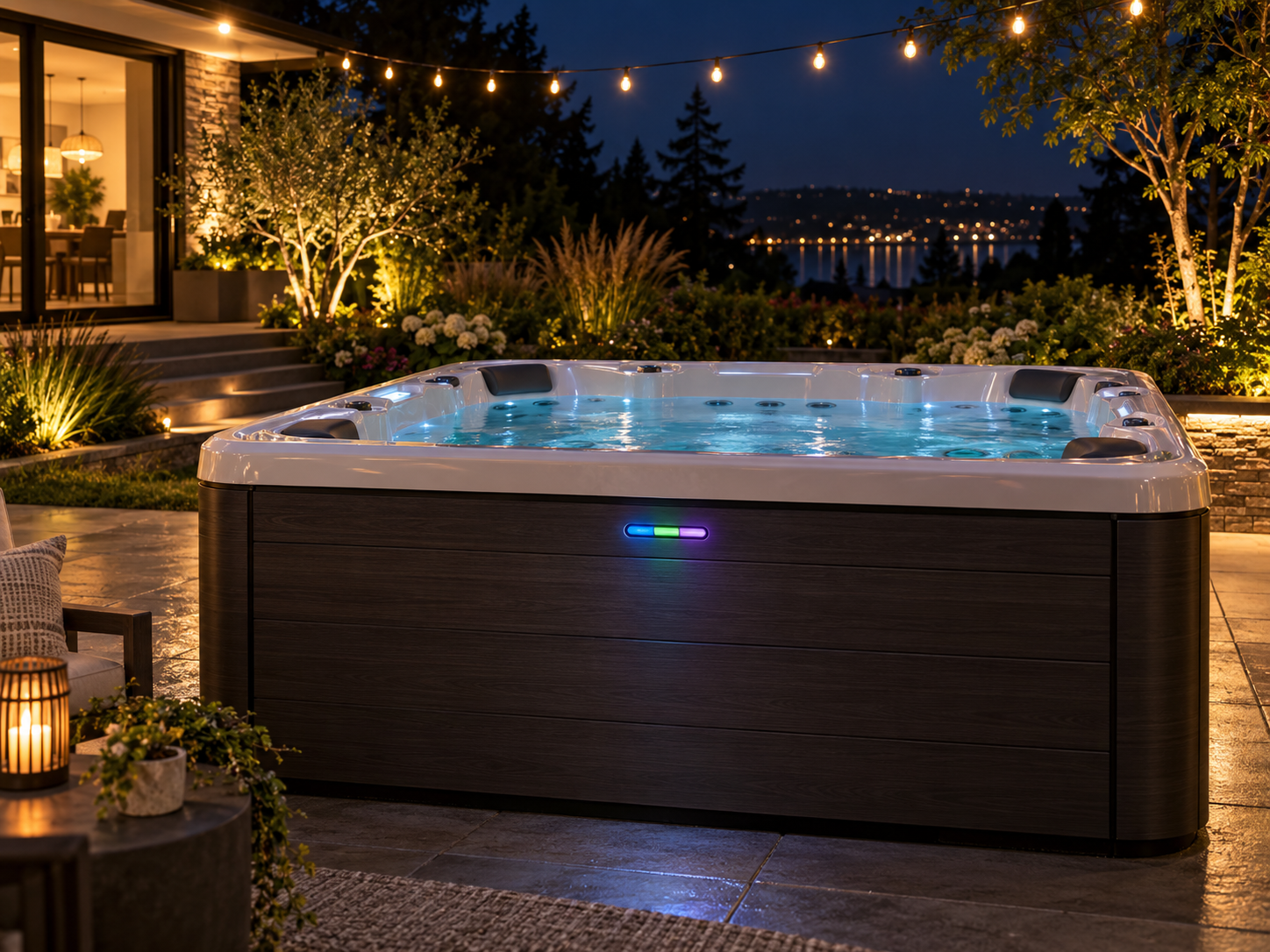
The illuminated logo on the front of many Limelight spas is more than decoration. It is a status display designed to tell you, at a glance and without lifting the cover, whether your spa has power, whether the water is ready, and whether something needs your attention. When one of those lights changes color or starts flashing, the control panel usually shows a matching message that points you straight to the cause.
This guide explains the three logo indicators on Limelight Collection spas, what each color and flash pattern means, the most common error messages, and what you can safely fix yourself.
The Three Logo Indicators
According to the Limelight Collection owner's manual, the logo shows three indicators. Indicator behavior can differ on older models, so check your own manual if your spa does not match.
Power Indicator
The Power indicator glows blue when the spa is properly supplied with power. A flashing red Power indicator means the heater's high limit has tripped, either because the water is above its acceptable range or because something like low circulation from clogged filters has caused a malfunction. If the Power indicator is off, there is a problem with the control box or the power supply to the spa.
Ready Indicator
The Ready indicator glows green when the water is within 2 degrees F of the set temperature, and turns off when it is outside that range, such as after you change the temperature setting. A flashing red Ready indicator means there may be a problem with the temperature sensor.
Status Indicator
The Status indicator is green when spa functions are working normally, yellow when a function needs attention, and flashing red when there is an issue that needs immediate attention.
When the spa powers up, all three indicators step through a red, green, blue, and white sequence. That is normal and simply confirms the lights are working.
Common Logo Light Patterns and Messages
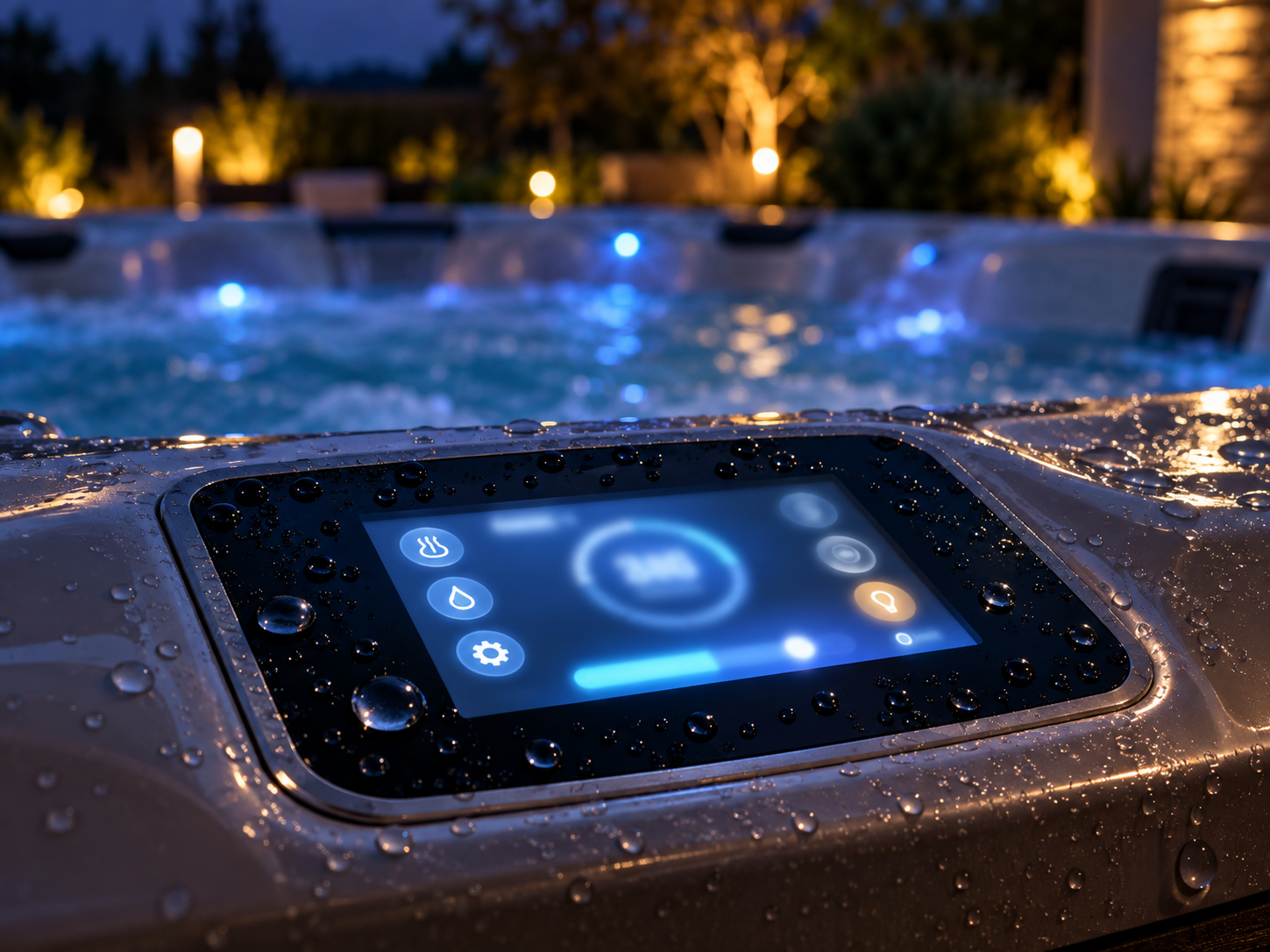
Blue, Green, Green: All Is Well
Blue Power, green Ready, and green Status mean the temperature is within range, the heater is available, and any salt system is functioning.
Ready Light Off
If Power is blue and Status is green but Ready is off, the water simply is not within 2 degrees of your set temperature yet. This is normal after refilling, after changing the temperature, or after the cover has been off for a while.
Yellow Status: Salt System Reminders
On spas with a salt system, a steady yellow Status light can indicate a salt system reminder while the system continues to function. A flashing yellow light with a salt system alert means the system is offline or has a fault, such as low or high salt. Check the salt screen on the control panel for details.
E2: No Flow, Check Filter
A flashing yellow Status light with the message E2: NO FLOW - CHECK FILTER indicates a no-flow fault or pressure switch error, and the heater is turned off. This is the message you are most likely to fix yourself. Clean or replace the filters, check the water level, and look for an air lock after a refill. The heater's integrated pressure switch closes again once water flows normally.
E4: Peripheral Fault
A flashing yellow Status with E4: PERIPHERAL FAULT means power to accessories has been shut off because a fault was detected. The salt system, music, and lights will not operate. Call for service.
E5: Sensor Fault
Blue Power, Ready off, and flashing red Status with E5: SENSOR FAULT indicates a control sensor fault. The heater is off. Call for service.
E6: No Heater Power
Power off with flashing yellow Status and E6: NO HEATER PWR means no power is detected at the heater, and the heater is off. Call for service.
E11 to E16: Cool Zone Offline
On spas equipped with a Cool Zone system, a flashing yellow Status with these codes means the Cool Zone is reporting an internal fault. The spa continues to heat with its own heater only. Call for service.
Protection Mode: All Three Lights Flashing Red
If all three indicators flash red and the panel shows the Protection Mode screen, the system has detected a high limit fault, a heater relay fault, or another internal fault. The heater and jets turn off, and circulation stays on. Call for service.
All White: Communication Fault
If all three indicators glow white outside of power-up, the logo has lost communication with the control system and the spa status is unknown. Call for service.
Fixing a Tripped High Limit
A flashing red Power indicator is one of the more common alerts, and it is often something you can resolve. The manual explains that turning off power to the spa for 30 seconds automatically resets the high limit. If the spa energizes normally, the trip was caused by reduced flow through the heating system. The manual lists the usual causes:
- Clogged filter cartridges
- Blockage in the system plumbing
- A heater circulation pump that is not working
- Power left on while the spa was drained
- An air lock in the plumbing lines
Clean the filters first, and confirm the water level is correct. If the high limit keeps tripping after you have addressed flow, call for service.
Fixing a Spa That Will Not Heat
If the spa is not heating and red and green lights are blinking while the pump and light still work, the manual indicates the heater's pressure switch may be open. The causes are the same flow issues: a clogged filter, a plumbing blockage, draining with power on, or an air lock. Many Limelight spas also use the SilentFlo 5000 circulation pump, which has a thermal cut-off to protect it from running hot. Reset it by disconnecting power and letting the pump cool.
What You Can Fix and What You Should Not
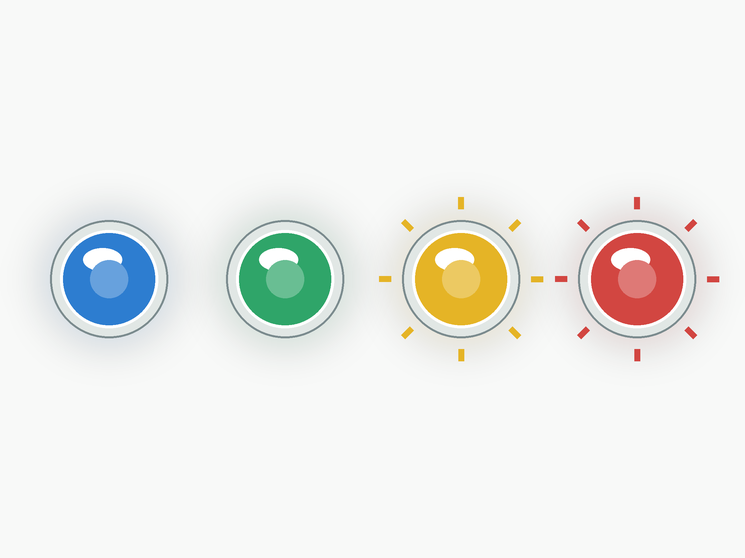
Most yellow alerts related to flow, filters, water level, and salt levels are owner-level fixes. Red alerts involving sensors, heater power, protection mode, or communication faults point to components inside the control system, which has no user-serviceable parts. For those, turn off the spa and contact a qualified technician. Never open the control box yourself.
Water Chemistry and Indicator Lights
Not every issue shows up as a light. Cloudy water, odor, foam, and skin irritation are water chemistry problems rather than equipment faults, and the logo will usually stay green while they happen. The Limelight manual recommends keeping total alkalinity around 80 ppm, pH between 7.2 and 7.8, and chlorine between 1 and 5 ppm. Calcium hardness should be 75 to 150 ppm for standard water care, or 25 to 75 ppm on a salt system. That said, chemistry and equipment are connected. Water that is chronically out of balance can leave scale in the heater and plumbing, which restricts flow and eventually triggers the same no-flow and high limit alerts described above. Testing weekly and correcting small problems early keeps both your water and your indicator lights where they should be.
If a yellow salt system alert appears, test with a salt test strip before adjusting anything. Adding salt to a spa that already has plenty can push levels too high and create a new alert.
Preventing Most Alerts
- Clean filters regularly and replace them on schedule.
- Keep the water level just below the bottom of the pillows, as Hot Spring recommends for Limelight spas.
- Always turn off power before draining.
- After refilling, run jets on high to purge air.
- Keep salt and hardness in range if you use a salt system.
Frequently Asked Questions
What does E2 mean on a Limelight spa?
E2: NO FLOW - CHECK FILTER means the spa detects a no-flow condition or pressure switch error and has turned off the heater. Clean the filters, check the water level, and purge any air from the lines.
Why is my Limelight Power light flashing red?
The heater's high limit has tripped. Turn off power for 30 seconds to reset it, then check filters and flow if it happens again.
Why are all three lights flashing red?
That is Protection Mode, triggered by a high limit, heater relay, or other internal fault. The heater and jets shut off while circulation continues. Call for service.
My Ready light is off. Is something wrong?
Usually not. The Ready light only glows when water is within 2 degrees F of the set temperature. It turns off while the spa is heating up.
What to Tell a Technician
If you do need a service call, a little information up front helps the technician arrive with the right parts. Note which indicators are lit, their colors, and whether they are steady or flashing. Write down the exact message on the control panel, including any E code. Mention when the problem started, whether it followed a refill, power outage, or storm, and what you have already tried, such as cleaning filters or resetting power. Your spa model and serial number round out the picture.
Your Limelight logo is a quick, reliable health check for your spa. Green means go, yellow means look, and red means act. Most yellow alerts come back to flow and filters, so start there, and leave red sensor and control faults to a professional.